How to read a WARDOGS cheat license before buying
Understand starting prices, license totals, activation questions and the difference between stock and product status before choosing a WARDOGS license.
From price, selected price and per-day price
A From price is the lowest listed variant price for a product. It does not mean every license costs that amount. Opening the product and selecting a variant shows the price associated with that option.
A per-day figure is a way to compare durations. For example, a hypothetical seven-day license costing $21 works out at $3 per day, but its total is still $21. That example is arithmetic, not an offer from this store. Check the actual selected total and the final checkout amount.
When your Hyper license starts
Hyper offers day, three-day, week and month options. Your license starts when you activate the key in the loader. Buying a key and activating it are separate steps, so choose the duration for the period you intend to use it.
If you plan to keep a key unused for a long time, ask support about any unused-key expiry rules. Loader activation timing does not, by itself, establish an unlimited storage period for a key.
Where your key and setup guide arrive
After purchase, Komerza emails your license key and setup guide to the address used at checkout.
You can also open My Keys and sign in with your checkout email to access your delivered order. Follow the supplied setup guide for your purchase, rather than instructions for another product. If delivery or setup needs attention, contact support with your order details; never post your license key publicly.
Check renewal and downtime separately
A time-limited license is not automatically a recurring subscription. Read the checkout terms to see whether renewal is manual or automatic and whether there is a recurring charge.
Likewise, an update or maintenance period does not automatically pause a license. If downtime compensation matters to your decision, look for an explicit policy that applies to the product. A general statement about updates is not the same as a promise to extend your key.
Stock and operating status answer different questions
Stock answers whether a variant is available to purchase. Operating status describes the latest reported condition of the software. You need both pieces of information: a key being available does not prove the product is ready to use.
If the status is unknown, seek confirmation before making a decision that depends on immediate use. A historical review or screenshot is not a current status report. Check the status page and the product's latest instructions.
What to confirm before payment
Confirm the product name, selected duration, total price and any discount shown at checkout. Read the product requirements, activation rules and applicable terms. Make sure you understand the delivery method and where to ask for help.
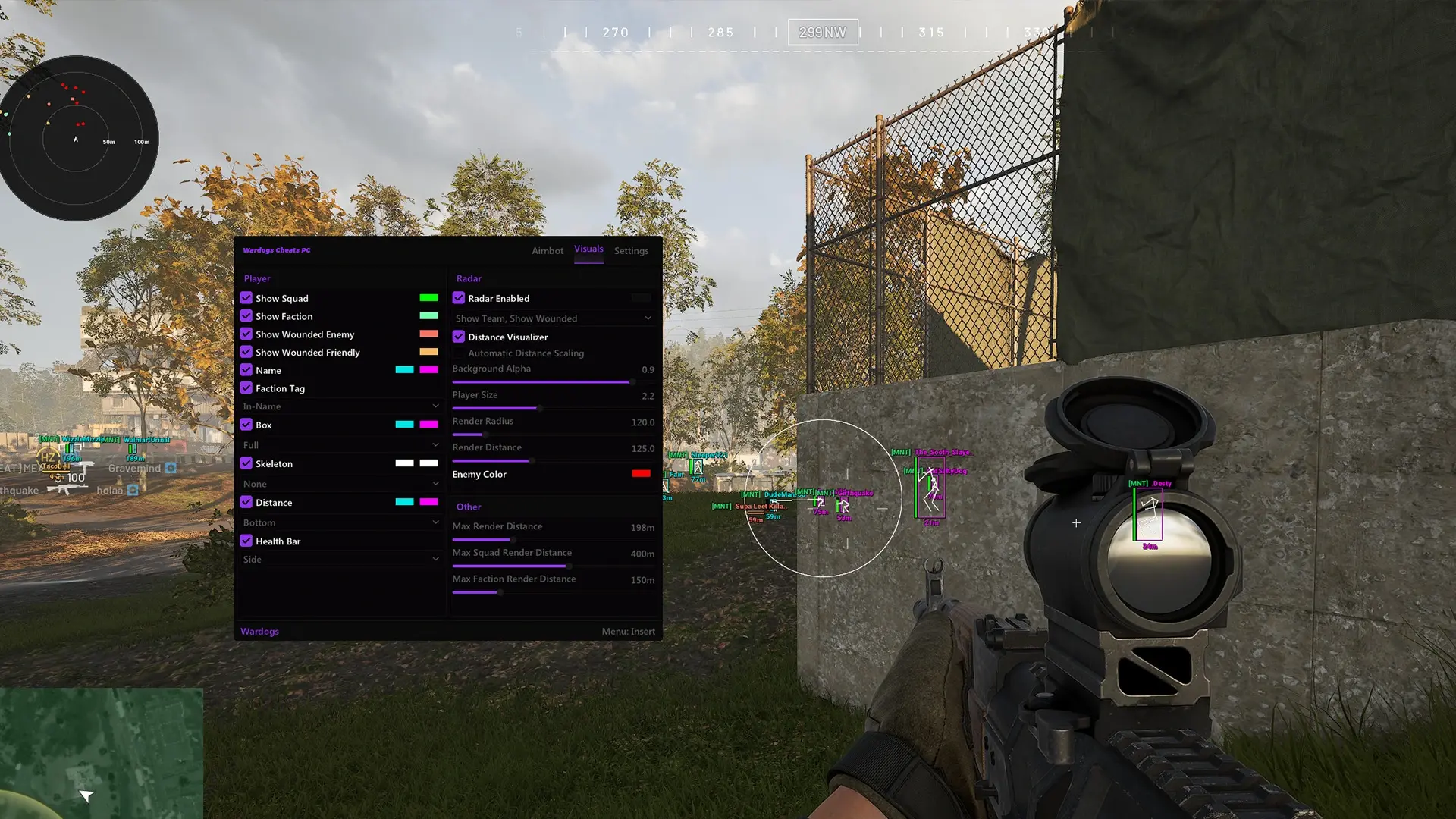
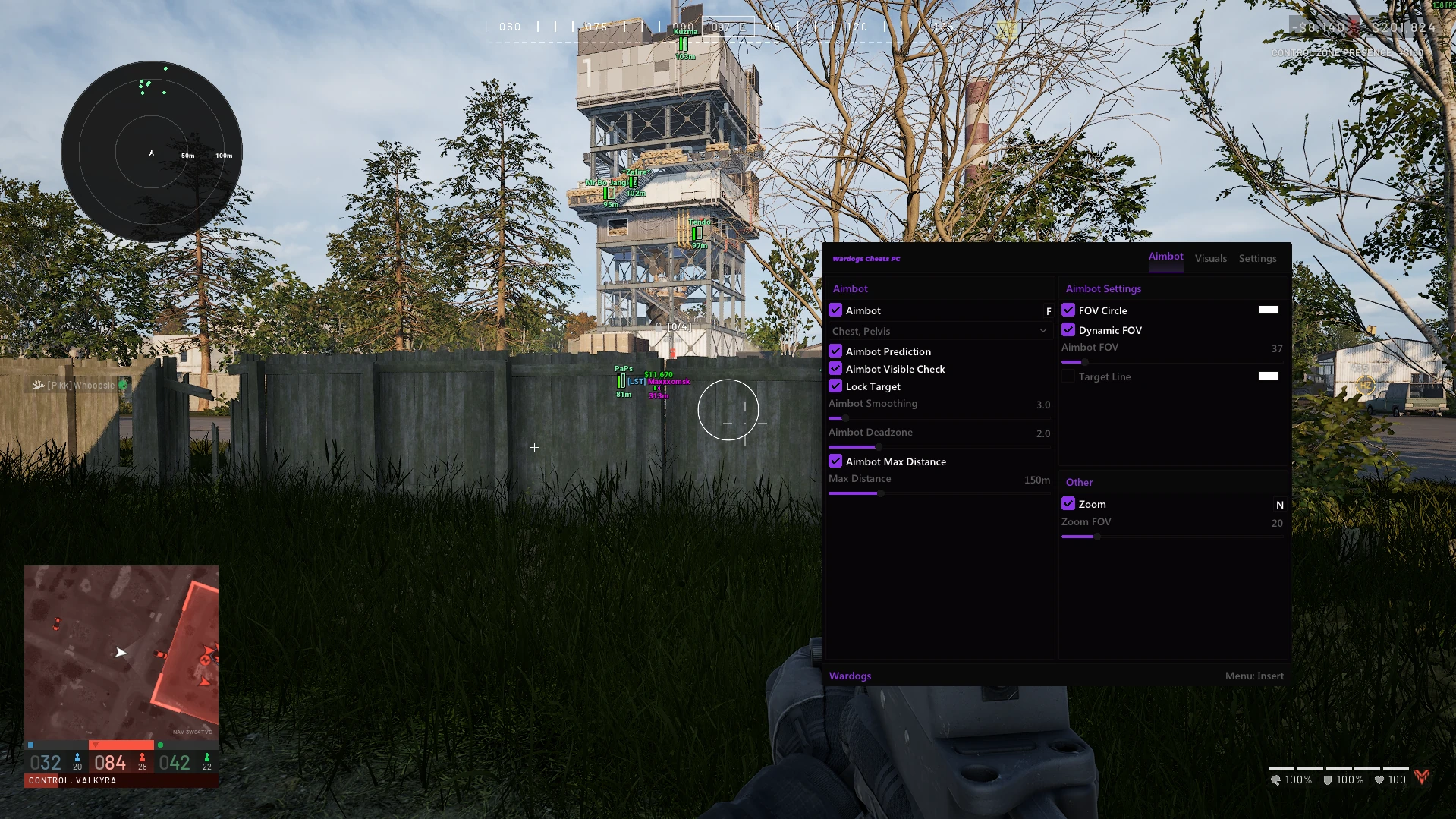
A software license from this store is separate from the WARDOGS game itself. Use the featured product listings for the current choices; do not treat examples in an article as live prices or availability. Look at the actual controls as well as the price: the Hyper screenshot below shows targeting, smoothing and FOV settings. Our ESP and radar guide explains the display options if those are your main reason for choosing a product.
Choose your next step
Explore the available WARDOGS cheats or open Hyper for its full specification and current license options.